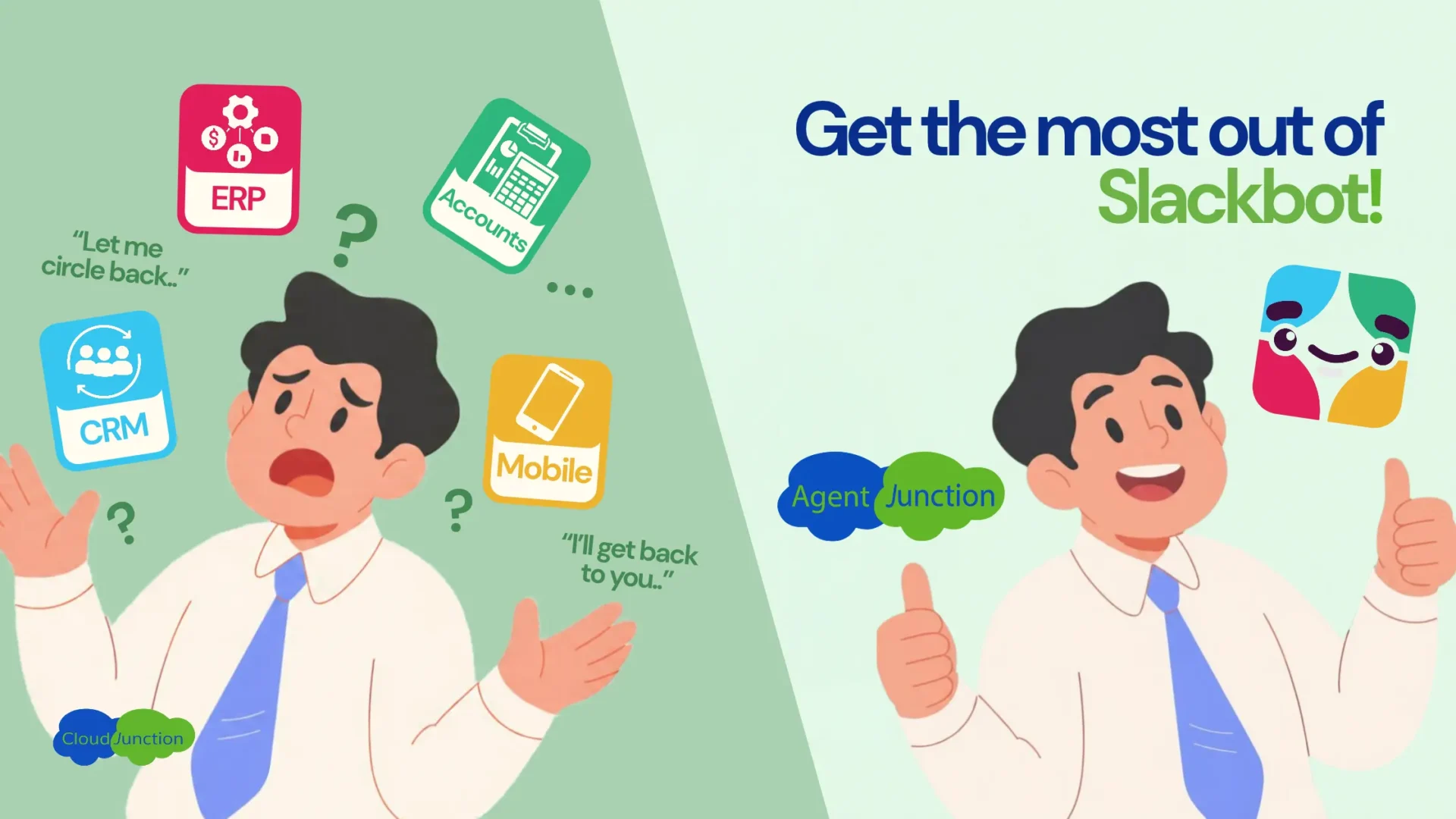
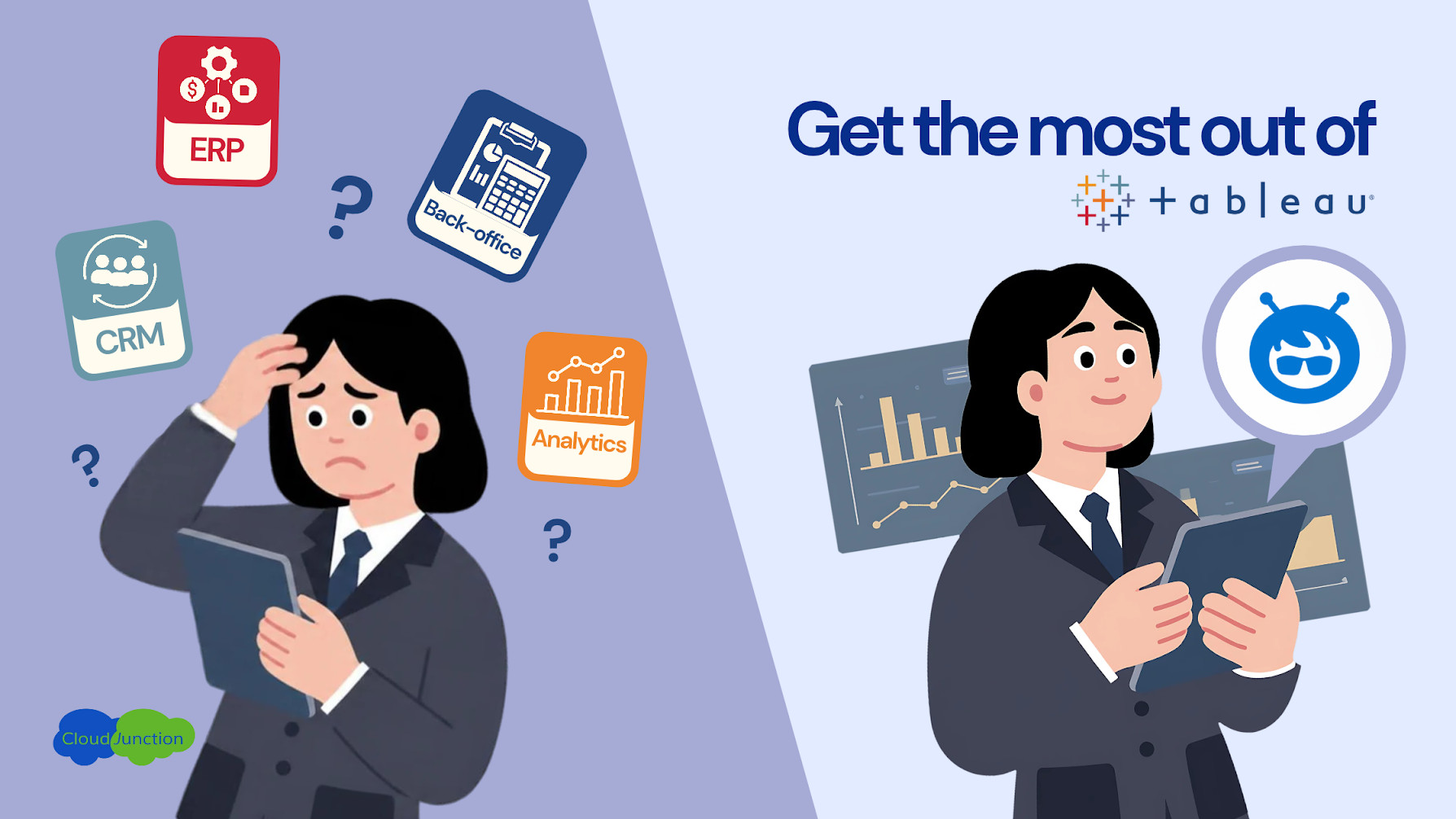
Despite having access to your CRM, ERP, and other back-office systems, your teams are struggling to view cross-platform analytics and know key business insights promptly. The problem stems due to the fragmentation of data across the various systems – requiring users to switch between applications, search dashboards, build reports, just to know how business processes are running.
Agentic Connectivity offers the opportunity to bridge these siloed systems using simple conversational prompts, so that your teams can analyze trends, query reports, and get context-rich business insights without much admin effort.
The Friction with Traditional Business Intelligence
Picture a Sales officer working in Salesforce who wants to understand the material cost for each division and how that cost changes month by month. With the current experience, he has to leave Salesforce, search through Tableau dashboards, identify the correct report, apply filters, and manually interpret the results.
Traditional business intelligence workflows still demand much of the ‘intelligence’ from the human, resulting in unwanted roadblocks hindering productivity.
Business questions don’t always fit existing dashboards
Tableau dashboards are valuable for recurring reports, established KPIs, and structured visual analysis – but they might not answer everything a business user asks at any moment. When their question falls outside an existing dashboard, someone may need to build a new report, modify an existing visualization, or manually combine information from different views, restricting users from exploring the data based on their query.
Data is scattered across business systems
The information required to answer a business query is typically never in a single place. Users are forced to navigate between applications to assemble enough context to answer a single query. The more systems involved, the more difficult it becomes to maintain a simple user experience.
Manual analysis slows down simple questions
Even after finding the right data themselves, users may still need to apply additional filters or formulae, and create visualizations. For a data analyst, these tasks may be routine – but for a sales or operations officer coming in with a specific query, they add unnecessary friction (and confusion nobody asked for!)
A Conversational Approach to Business Analytics
Agentic AI changes the way users can interact with business data. Instead of manually searching for the right dashboard or asking an analyst to create a new report, users can ask an AI agent what they want to understand in simple natural language prompts.
The workflow goes from cross-platform information hunting to a simple chat with an analyst:
- Ask the question: The user describes the business information they want to understand in natural language.
- Get the insight: The agent analyzes the relevant connected data and highlights the important findings.
- Explore the data: The agent generates interactive analytics that allow the user to understand trends, comparisons, and relationships, and even ask follow-up questions!
With Agentic Connectivity, this conversational experience can extend beyond Salesforce to external business data and analytics, allowing the AI agent to work with a broader view of the organization’s information.
When the Question Becomes the Starting Point
A glimpse of this experience can be viewed in this
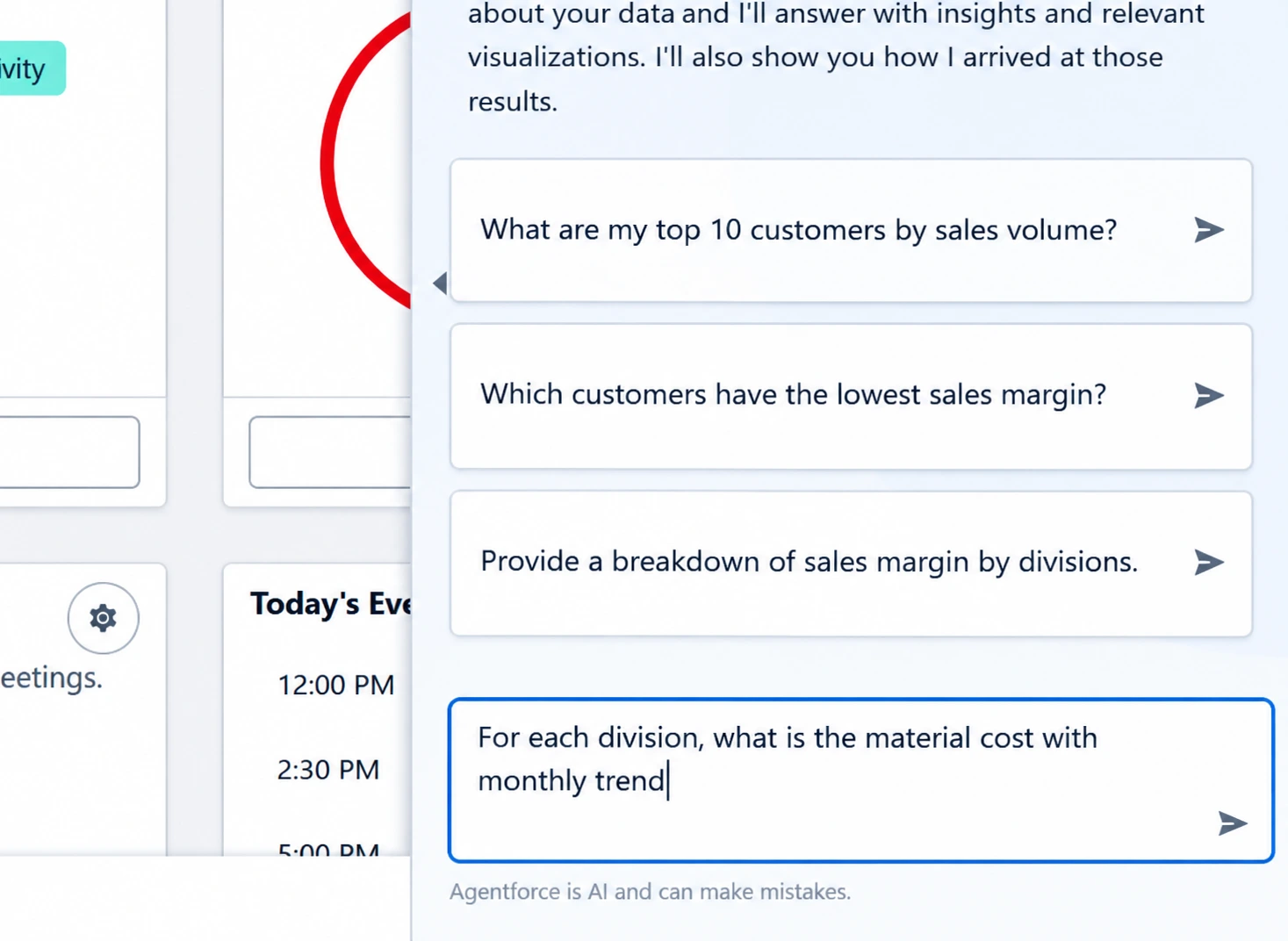
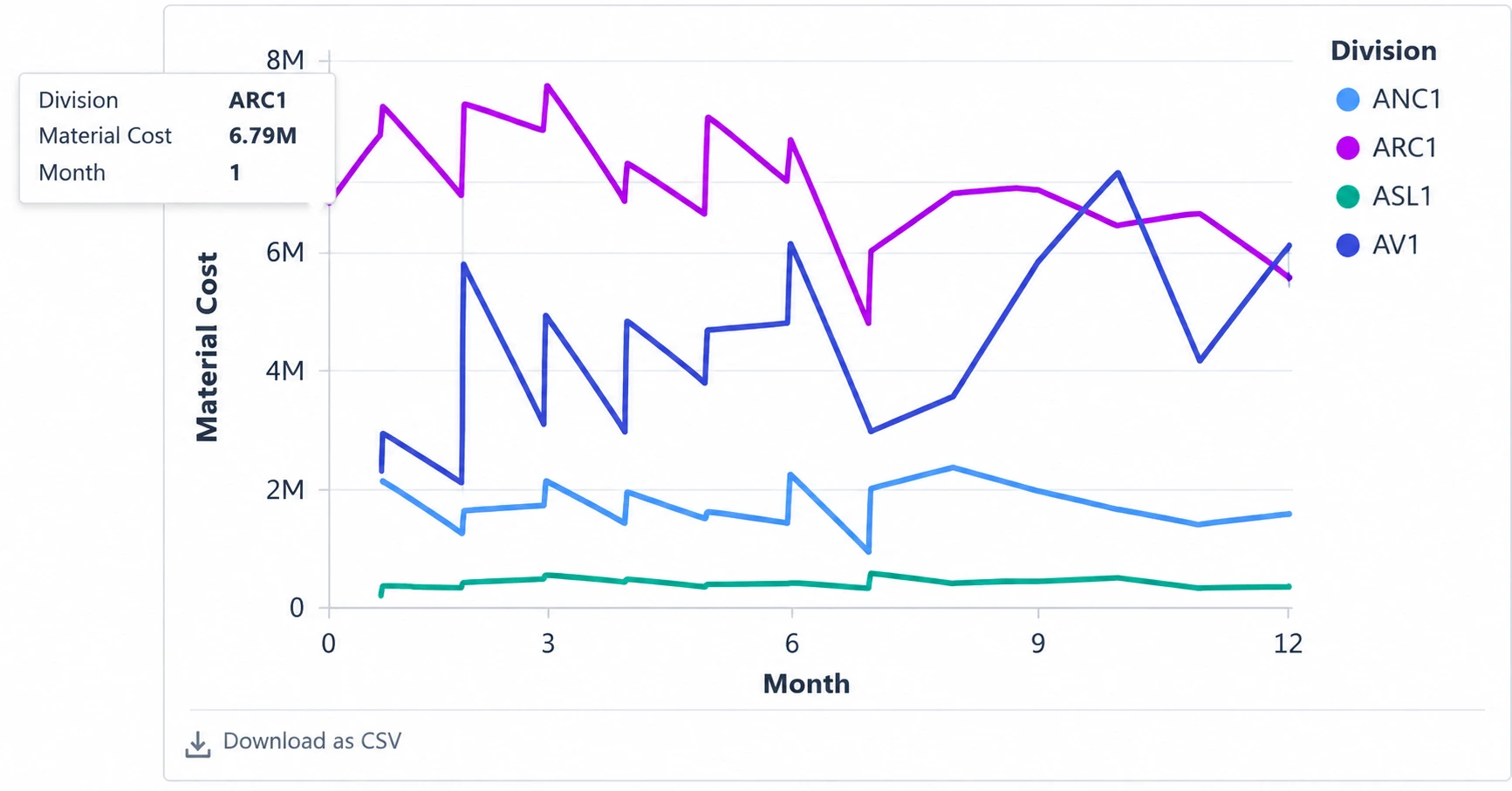
2-minute demo, where the user journey begins with a straightforward question about material cost by division and its month-by-month trend.
The user starts by asking a business query to the AI agent. The agent simply analyzes the connected data, gets the user important findings, and generates an interactive view of the trend.
The user then explores further by asking how material cost compares with sales for each division. The agent interprets the request, calculates the relevant relationship, and presents the result through interactive analytics.
The agent can also surface additional context that may be useful around the question. And when users need to validate a result, they can review the underlying sources and supporting information behind the response.
Instead of building a separate report for every question, the conversation becomes the mechanism for moving from one business question to the next.
The Agentic Connectivity Recipe
The conversational analytics workflow brings together several components that each serve a specific purpose.
- Salesforce Agentforce, provides the conversational AI experience to elevate the traditional, cumbersome workflows requiring users to navigate through multiple applications.
- Tableau, for the analytical environment and interactive visualizations used to explore trends, comparisons, and relationships within business data.
- ERP and back-office data, for the operational context required to answer questions that extend beyond Salesforce.
Together, these components build a more cohesive workflow that empowers teams to focus on understanding key trends rather than spending time preparing data.
See it in Action — Watch Demo!
This demo shows how Agentic Connectivity brings business data and analytics together through a conversational experience. The user can ask about material costs, compare costs against sales, explore customer margins, and review supporting sources without the manual hassle.
The agent provides the key findings, generates interactive visualizations, surfaces additional context, and gives users access to the underlying sources when they need to validate the answer.
What Salesforce is Also Exploring
The move toward conversational analytics is not limited to this demo. Salesforce has been exploring the same shift internally. In a Salesforce Customer Zero case study, Salesforce describes how its sales organization uses Tableau and AI to help teams ask questions about their data, explore metrics, and generate visualizations.
The takeaway is simply: the way people get to the dashboard, insight, or analysis they need is changing.
A dashboard answers the questions it was designed to answer.
A conversational agent can start with the question the user actually has.
Try Agentic Connectivity in Your Sandbox
Contact CloudJunction to explore a proof-of-concept deployment in your Salesforce Sandbox and see how Agentic Connectivity can connect Salesforce, Tableau, ERP, and back-office data for conversational analytics.