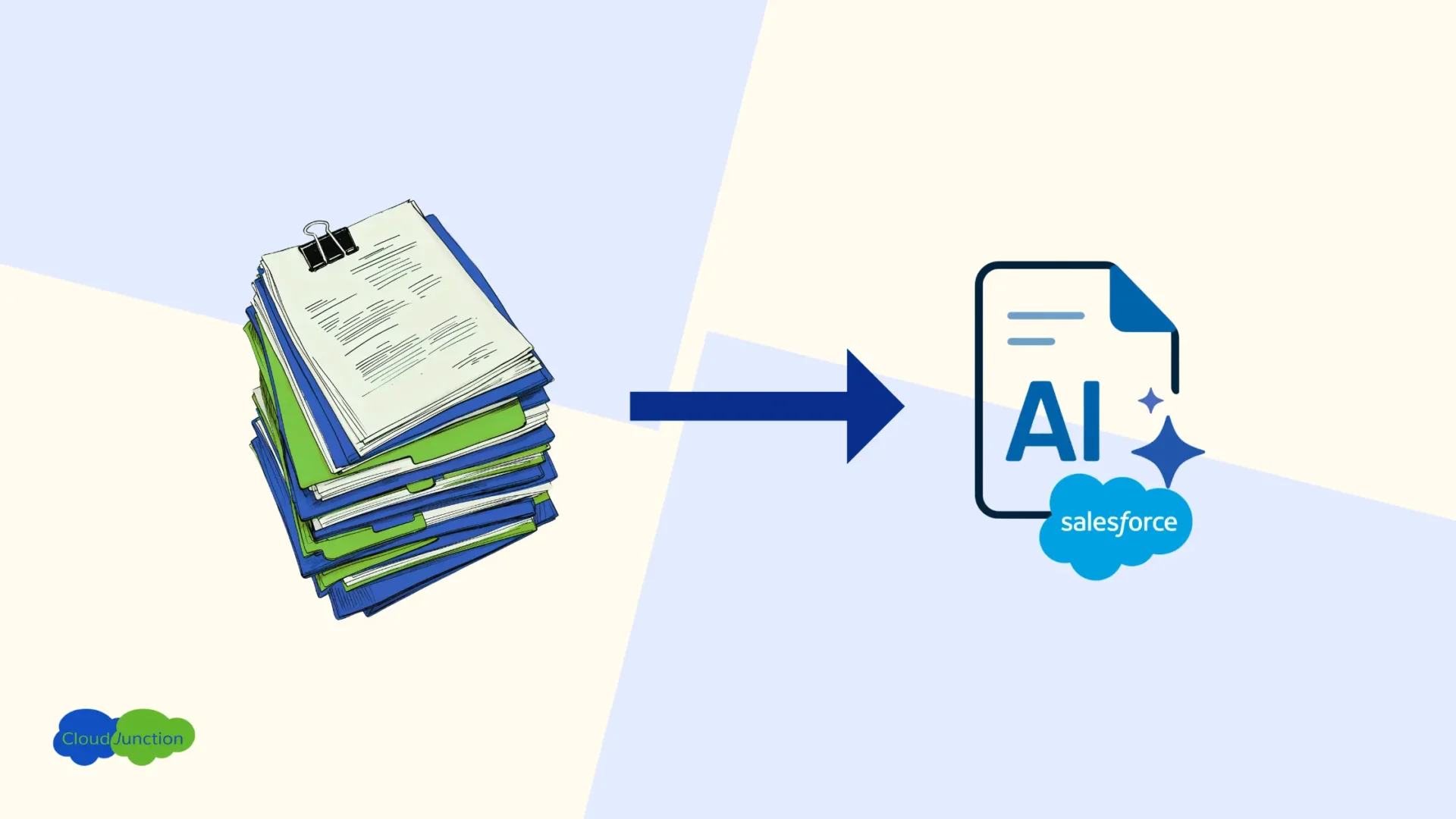
Manual data entry remains the toughest obstacle for workflow automation as businesses still rely on human review of documents like invoices and purchase orders in their sales and operations workflow. User frustration continues with the salesperson having to manually type – and re-type – data from paper docs received from vendors and customers, into multiple back-office systems and ERPs.
AI-driven “Intelligent” Document Processing (IDP) offers the opportunity to eliminate and automate manual data entry but businesses don’t often have a clear blueprint for how – and in which system – to get started.
The Friction: Manual Data Entry
Revenue operations backlog
Moving data from PDFs into ERPs and back-office systems by hand is slow and exhausting. Employees spend hours copying-and-pasting numbers line by line while the inbox backlog grows. This tedious manual effort delays quote turn-around and approvals, order processing and fulfillment.
Standard OCR tools lack context
Standard optical character recognition (OCR) tools rely heavily on rigid templates. When an incoming invoice shifts its layout or presents a complex multi-page table, the system trips up. This forces team members to step in and manually untangle and format the messy data, and fix formatting errors.
Small typos have a high cost
A single data-entry error from human fatigue – like a data clerk accidentally typing “shares” instead of “cash” into a routine dividend payout field – can cause exponential damage. This single, manual slip-up famously cost Samsung Securities $300 million in a matter of minutes when the system issued billions of shares to employees!
It’s a high-stakes, stressful workflow requiring diligent people working hard to prevent costly mistakes by hand.
Getting started with Intelligent Document Processing (IDP)
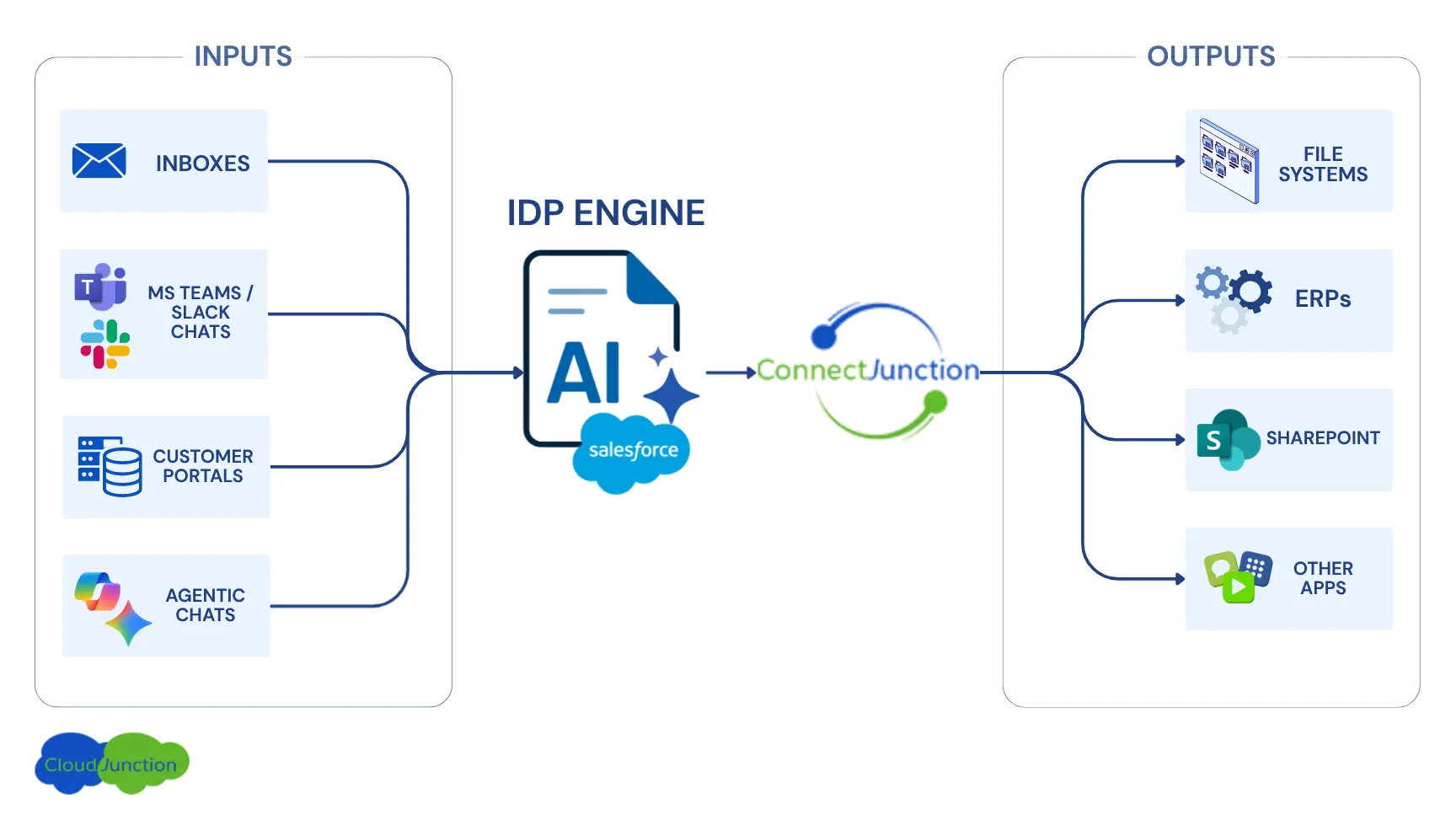
The biggest hurdle in getting started is deciding where the processing engine should reside. The lifecycle of business docs spans many ubiquitous systems:
- Customer documents like POs, Invoices, Quotes typically originate in Inboxes or Customer Portals.
- With the adoption of agentic customer services, documents could also be shared in conversations with AI Agents (e.g. Microsoft Copilot, Google Gemini).
- Internally, docs get shared across users and teams in Slack or MS Teams.
- And along the way, the data needs to be entered in a CRM or an ERP app – or both!
- Eventually, they end up archived in Sharepoint repositories.
Thanks to this proliferation of systems and apps, IT decision-makers find themselves in analysis-paralysis—spending a lot of time trying to research and understand if the IDP engine should be in Slack, Teams, Copilot, Gemini, that ERP implemented 15 years ago (probably lacking any “intelligent” capabilities) or their CRM.
Salesforce: An unlikely choice for an IDP engine?
There are multiple IDP engines available from different vendors. In choosing Salesforce as the engine, the factors we took into consideration are:
- Omni-Channel Ingestion: Salesforce is pre-integrated with Inboxes, Slack and MS Teams and offers a native portal so documents received through any of these channels can be easily ingested by the IDP without any programming, scripting or integration effort.
- Agentic Connectivity: Besides offering its own Agentforce agentic platform, Salesforce can also seamlessly connect with AI agents (Copilot, Gemini, etc.) using Agentic Connectivity apps like AgentJunction. Documents can be ingested straight from agentic conversations and extracted data can be output to agentic chats as well.
- Easier Integration Options: Salesforce can connect with any ERP or system using native iPaaS no-code, point-and-click integration tools like ConnectJunction. Documents can also be synced from Salesforce to document repositories like Sharepoint for archival using ConnectJunction.
The No-code Rapid Implementation: Step-by-step recipe
This article (and the accompanying 2-minute demo) will walk you through a step-by-step recipe for extracting data from any document, syncing or entering it automatically to any ERP or system, using Salesforce as your document processing engine.
An IDP solution can be set up within 1 week using Salesforce’s Document AI, without requiring any significant IT effort or time. Data entry is automated by setting up a data ingestion pipeline to read business documents in context, extract relevant fields and organize unstructured data into structured rows of data (ready to be output to a CSV file or a database). The pipeline comprises the following steps:
- Tell the AI what data fields you want: Start by defining a schema, that maps your important fields, such as invoice number, vendor name, line-item totals and invoice date. Simply ask for them in plain English or even better, take the lazy way (or the “intelligent” way) out and simply upload a sample document – the IDP will scan the sample document’s layout and auto-generate the schema for you to verify!
- Let AI read the docs: Once your field mappings are defined, upload your documents. The AI-driven IDP scans them in context, leveraging natural language processing (NLP) to overcome the shortcomings of conventional, rigid OCR approaches. The unstructured data is extracted and organized into clean rows.
- Send data straight to Salesforce: The IDP sends the extracted data into Salesforce’s Data Cloud. From there, it automatically populates target records in Salesforce like invoices, quotes, purchase orders, or work orders (or any other custom object). No human intervention is needed! (However, if desired, a human review and approval step can be inserted in the workflow).
- Trigger agentic connectivity: This is where operational speed accelerates. Your back-office data is now structured and residing inside your CRM – ready to flow to any destination from there onwards! Through Agentic connectivity, structured data automatically triggers workflows in Salesforce or external ERP systems, sends alerts in Slack or emails, and creates and updates records that feed Analytics dashboards. The connectivity allows Agentforce AI Agents to take automated actions with human intervention and review steps possible wherever desired.
Solution Components and Affordability
Salesforce’s usage-based licensing model makes it easier for businesses to digitize business processes without massive upfront costs. ‘Point-and-click’ tools let you set up this pipeline in days, not months.
This IDP solution (shown in this 2-minute demo) leverages these components, which can be licensed for most SMB use-cases for a few hundred dollars per month:
- Salesforce Data 360, the IDP engine, that extracts the data into Salesforce, triggers automations and enables natural language interactions with the processed data.
- ConnectJunction (from CloudJunction), for no-code connectivity to sync data and files between Salesforce and your backend systems, ERPs, AI Agents (e.g. Copilot), collaboration apps (e.g. Slack, Teams) and file repositories (e.g. Sharepoint), breaking down data silos.
User Experience: Bringing Data to Life (literally!)
- No copy-paste: Operational teams are kept in the loop with automated alerts and notifications without needing to scan dual monitors.
- Instant routing: Approvals trigger as soon as a document is received in the inbox.
- Conversational access: Teams use simple prompts to ask for order status and pending invoices details, instead of navigating multiple systems.
See it in Action — Watch Demo
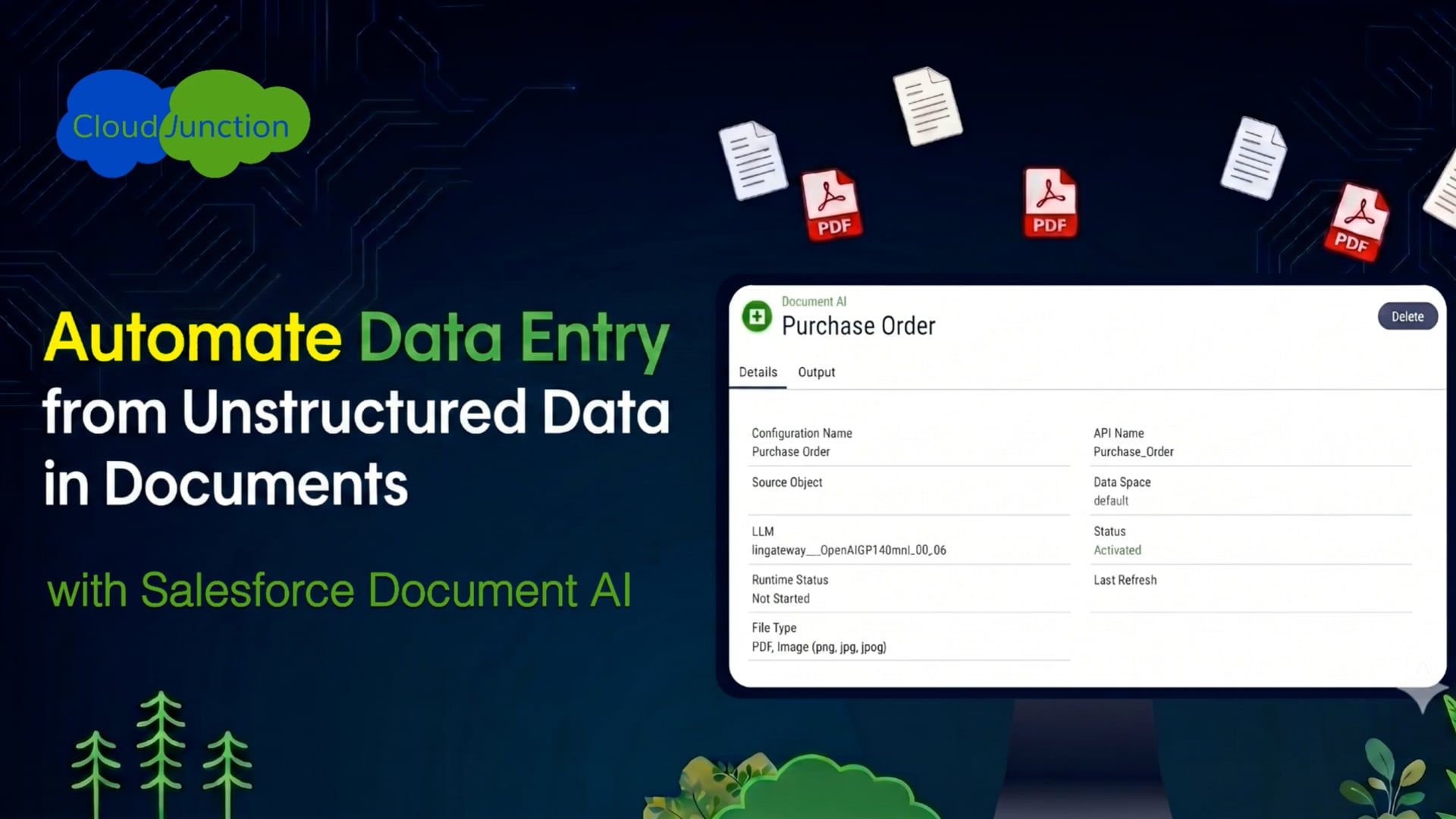
This 2-minute demo shows how an unstructured PDF document can be instantly read by an AI agent, extracted into structured data inside Salesforce, and used to update a backend ERP in a single agentic workflow.
Try it in your Sandbox
Contact CloudJunction to get a free proof-of-concept deployment in your Sandbox, with courtesy licenses from Salesforce.